How to Film Wedding Speeches and Toasts Without Missing a Word
Master how to film wedding speeches with clear audio using smart positioning, distance rules, backup plans, and guest camera instructions. Capture every toast without missing a single word using our practical tips for guest filmers.
In this article
- Why Audio Matters More Than Visuals for Toasts
- Choosing the Right Filmer (and Why One Is Never Enough)
- Optimal Positioning and Distance for Clean Audio
- Creating Wedding Video Role Cards and Guest Camera Instructions
- Backup Tricks That Save the Day
- Wedding Filming Etiquette Guests Should Follow
- Turning Guest Footage Into a Finished Film
- Common Mistakes That Ruin Toast Audio (And How to Avoid Them)
The best man raises his glass. The room goes quiet. He delivers the perfect mix of funny stories and genuine emotion. Then someone asks, "Did you get that on video?" and the answer is muffled silence or wind noise. In our view, the audio is the whole point of a toast. Visuals are nice, but if you cannot hear the words, the moment is lost forever. That is why knowing how to film wedding speeches is one of the highest-ROI skills for anyone handed a camera at a wedding. Preparing your filmers with specific positioning rules and backup plans helps turn guest footage into something that preserves the heart of the day.
Professional videographers cost an average of $2,300 according to The Knot's 2026 Real Weddings Study, but many couples are turning to guest-filmed footage instead or alongside them. The trend is real: Gen Z and younger millennial couples are turned off by slow motion and hyper-produced looks. Some add camcorders alongside a full media team, others skip videography. (See the Vogue article on wedding camcorders). The good news is that with the right positioning, distance, and simple instructions, your friends can capture toasts that sound broadcast-quality. Practical preparation makes all the difference in creating footage worth watching for years.
Why Audio Matters More Than Visuals for Toasts
A wobbly shot of the best man is charming. A wobbly shot where you cannot understand the punchline is worthless. Many people over-focus on framing and under-focus on sound. The built-in microphone on a compact camcorder picks up clean audio best when it is close enough to the speaker but not so close that it blocks the view or makes guests self-conscious. Paying attention to the audio environment helps avoid common pitfalls like competing noise from music or conversation.
Background noise from a reception destroys audio fast. The rule of thumb is to keep the microphone within 10-15 feet of the speaker for reliable results. Anything farther and you are relying on luck. This is the core principle behind every tip that follows. When you prioritize audio in this way, the footage carries the emotional weight of the original moment instead of leaving viewers straining to understand what was said.
The laughs and tears only land if the words come through crystal clear.
Choosing the Right Filmer (and Why One Is Never Enough)
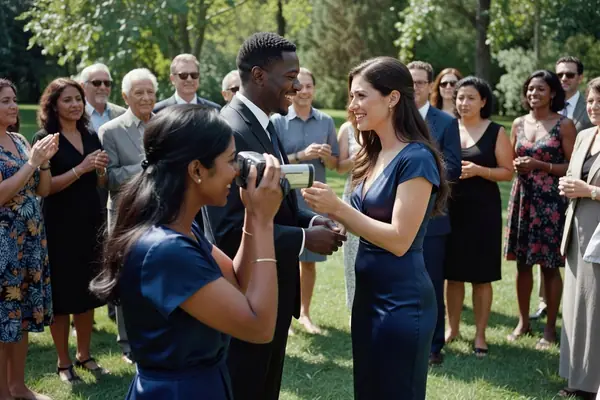
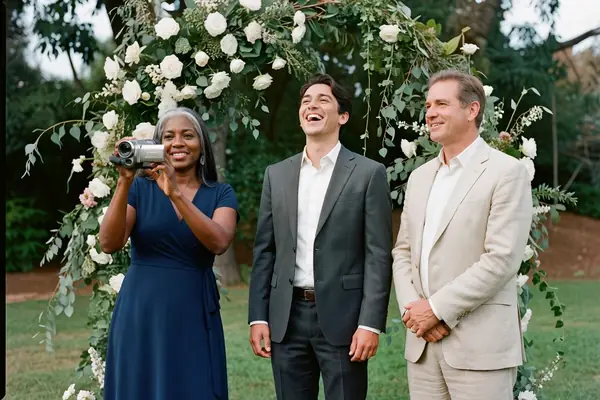
Assigning cameras to the wedding party is one of the smartest moves you can make. The shot list (/shot-list) offers great ideas for giving everyone clear roles. For speeches, pick someone reliable who will not get overly emotional during the toast itself. An outgoing bridesmaid or groomsman often works well, as suggested in tips from Wedding Weekender founder Anne Marie Carroll shared in her CNBC interview.
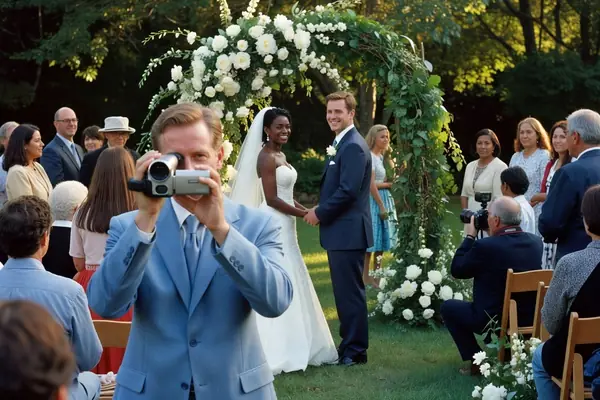
Better yet, assign two people: one primary filmer focused on the speaker and one shooting reactions from the side or back of the room. This gives options and insurance against missed moments. Link the second person to the shot list (/shot-list) so they know exactly what to capture. Having multiple angles adds depth and ensures the final edit can weave together the full story of the moment.
Tap a card
Toast Filming Flip Cards: Quick Reference for Guests
Optimal Positioning and Distance for Clean Audio
Positioning is everything. Stand slightly off to the side of the head table or dance floor so you are not blocking anyone's view. Eye level is best. Holding the camera at chest height forces you to look up at the LCD, which usually results in a low-angle shot that feels accidental. Taking a moment to find a stable stance before the speech begins helps everything flow more smoothly.
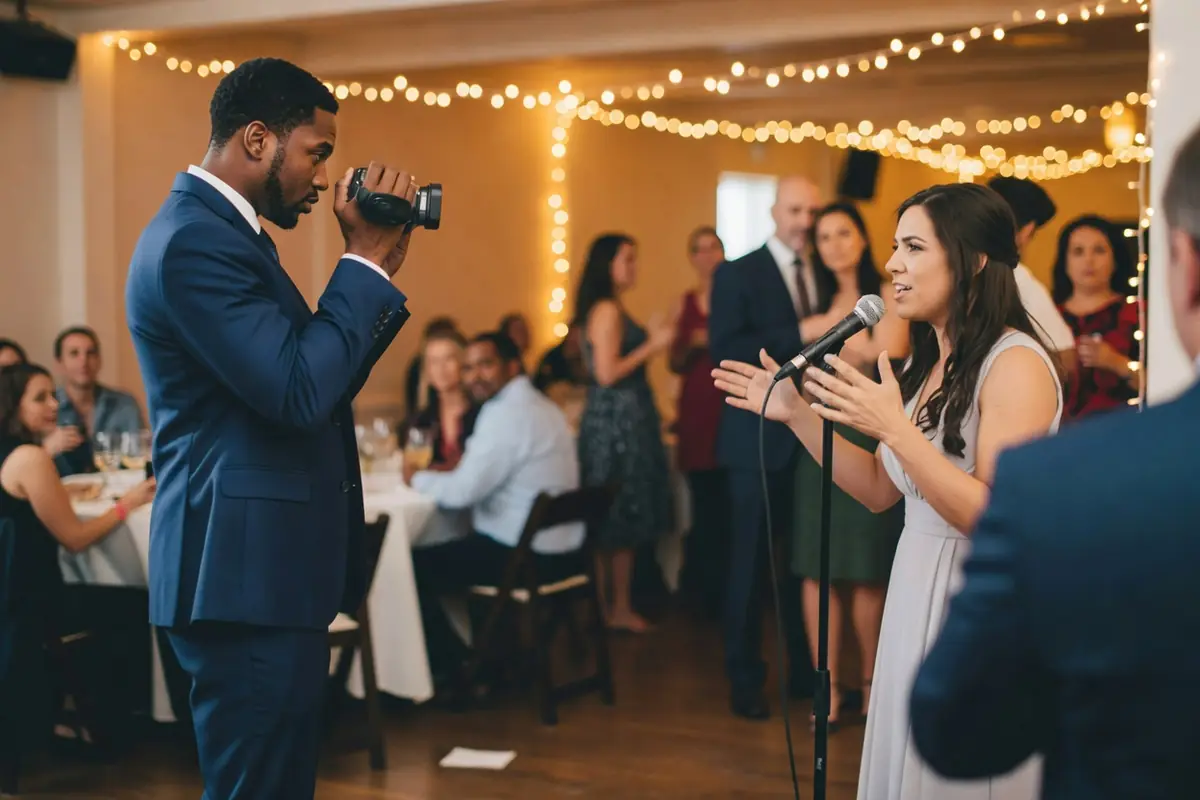
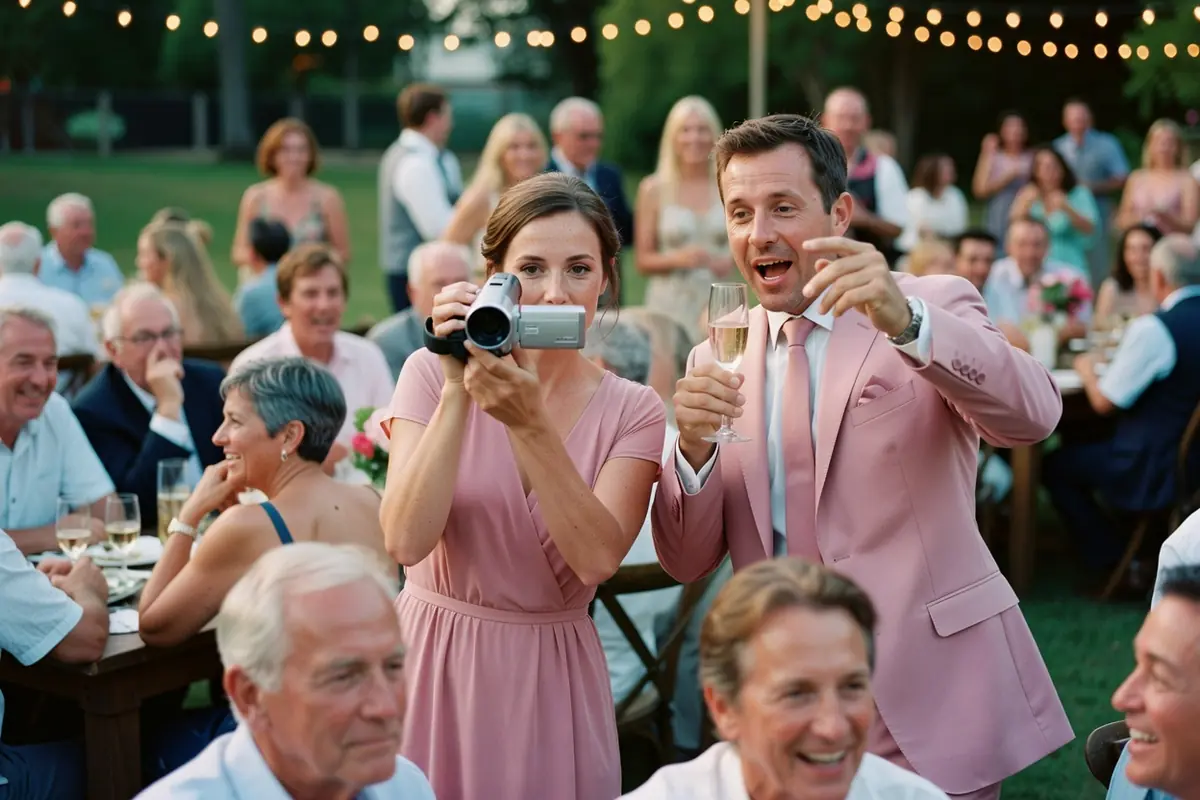
Compact camcorders offer powerful optical zoom that lets you capture close-up shots from a distance. For example, a 30x optical zoom allows flattering close-ups from 15 feet away. Use it. You do not need to stand right next to the speaker. The rule of thumb is 10-15 feet for most toasts. At this distance the microphone still captures the voice clearly while the zoom lets you get a flattering close-up. Getting too close can make the speaker self-conscious and pick up unwanted sounds like heavy breathing or paper rustling. Resting your elbows lightly against your body creates a stable base, and breathing slowly helps minimize any shake. These habits turn good intentions into truly usable footage.
| Scenario | Recommended Distance | Camera Setting | Why It Works |
|---|---|---|---|
| Head table toast | 10-15 feet | Medium zoom | Balances speaker audio with natural room sound and couple reactions |
| Standing at a mic on dance floor | 10-15 feet | Slight zoom | Mic on camcorder is close enough without blocking views |
| Parent speech from sweetheart table | 10-15 feet | More zoom | Gives editor room to cut in wide shots of the whole room |
| Multiple short toasts | 10-15 feet | Wide then zoom | Lets you pivot between speakers without moving much |
Creating Wedding Video Role Cards and Guest Camera Instructions
Handing someone a camera with zero guidance is how you end up with shaky footage of the floor. Create simple role cards that tell each person exactly what they are responsible for. For speeches, the card should say: "Primary toast filmer. Start recording early. Stay 10-15 feet back. Prioritize audio over fancy moves." Check the shot list (/shot-list) for more guidance on assigning roles. Clear expectations remove guesswork and help guests feel confident.
Your filming assignments wedding handout should include a one-page cheat sheet. Print it. Laminate it if you are feeling fancy. Tell filmers: hold the camera steady like it is a tray of full champagne glasses. Do not narrate into the microphone. Do not stop recording the second the applause starts. For example, brief them with this script: 'Remember, your priority is clear audio. Stay at least 10 feet back, keep the camera at eye level, and continue recording through the applause.' These small instructions make an enormous difference.
Checklist · saves on this device
Printable Toast Filming Checklist
Backup Tricks That Save the Day
Even the most dedicated filmer can get distracted. One useful backup is to leave a camcorder near the guest book for video messages, as suggested by tips from CNBC. These unplanned recordings often hold surprising emotional gems that planned shots might miss. See /how-it-works for more on capturing all the details.
Another helpful approach is to have a second person with a phone set to record from a different angle. The shot list (/shot-list) has more ideas for turning small clips into one cohesive story. When you combine different perspectives, the final film gains a rich, layered feeling that reflects the many viewpoints present on the day.
Shot-list builder
Toast Shot List Generator
Check the speeches happening at your reception below. We'll build you a custom printable list focused on audio-first filming with specific distance rules.
Wedding Filming Etiquette Guests Should Follow
Being helpful does not mean being obnoxious. For speeches specifically: do not stand in the aisle blocking anyone's view. Do not use flash. Do not yell directions during a heartfelt moment. For example, if you need to change position, wait for a natural break in the speech and move quietly. The goal is to be invisible while still getting the shot. Pay attention to the flow of the event and be ready to adjust your position if needed without drawing attention to yourself. See the filming etiquette guide for more tips.

Turning Guest Footage Into a Finished Film
Once the raw clips come in, someone has to edit them. That is where this service comes in. Packages start at $449 (the Keepsake). We ship the camcorder, the Instax Mini instant camera (with film) and the photo album together in one box. The couple keeps the photo album and every instant print. Both cameras (camcorder and Instax) go back in the same box with the prepaid return label. We edit the footage into a finished wedding film. You can add extra camcorders. A $100 deposit holds a date.
The editing process brings together all the different perspectives from your guests. Toasts in particular provide context and emotion that tie the day together. When your friends and family have followed simple instructions like the ones above, the resulting footage is much easier to shape into something beautiful and timeless. It is about more than just the words spoken. It is about the way the room reacts, the glances between you and your partner, and the collective joy that fills the space.
Consider reading /how-it-works and checking the shot list (/shot-list) for the big picture. The toasts you capture can become the emotional heart of the film. They offer a window into the relationships that made your day special.
Common Mistakes That Ruin Toast Audio (And How to Avoid Them)
- Waiting until the speaker is announced to hit record. Always start early.
- Standing too far back. Follow our rule of thumb for best audio results.
- Moving the camera constantly. Steady shots with occasional slow zooms edit much better.
- Forgetting to capture reactions. The couple's faces during the toast are often the best part.
- Using only one camera. Double up for insurance against missed moments.
Follow the instructions above and your guest-filmed toasts will be the part of the video friends and family rewatch most. The difference between kind of getting it and capturing audio so clear it feels like you are right there comes down to these small but specific choices.
Questions couples ask
What is the best distance to film wedding speeches?
Should I use a phone or camcorder to film toasts?
How do I create effective filming assignments for wedding guests?
What if the reception is loud during the toasts?
How early should we start recording wedding speeches?
Can guest filmed toasts replace a professional videographer?
Keep reading