Guest-Filmed Wedding Video: A Field Guide
Discover how to create a genuine guest filmed wedding video by assigning 3-4 wedding party members clear roles instead of handing cameras to everyone. Shot lists, etiquette, and editing tips that deliver a film you'll rewatch.
In this article
- Why Couples Are Choosing Guest-Filmed Wedding Videos
- Follow the CNBC Playbook: Assign a Few, Not the Whole Room
- How to Pick and Assign Your Filming Team
- Shot Lists That Actually Help Guests
- Filming Etiquette Guests Need to Know
- Turning Guest Footage Into a Finished Film
- Camcorder vs Phone: Why Dedicated Cameras Win
- Adding Video Messages and Instant Prints
- How Guest Footage Compares to Professional Videography
- Your Simple Game Plan
Most couples searching for a "guest filmed wedding video" worry about the same thing: ending up with a pile of shaky, unusable clips. The solution is simpler than it sounds. Assign three or four reliable wedding-party members to specific roles instead of letting everyone grab the camera. The result is authentic footage that captures the day the way your friends see it.
This approach has grown in popularity. Vogue reports that Gen Z and younger millennial couples are turning away from hyper-produced slow-motion videos. Some skip traditional videography entirely. Others add guest camcorders alongside a pro team. The goal is footage that feels human.
Assign roles. Give clear prompts. Edit the best bits. That's the formula for a guest-filmed wedding video that doesn't suck.
Why Couples Are Choosing Guest-Filmed Wedding Videos
Professional videography now averages $2,300 according to The Knot's 2026 Real Weddings Study of 10,474 couples. That's on top of a $3,000 photographer, $1,800 DJ, and the rest of a $34,000 average wedding. For the 25% of couples spending $12,000 or less, a guest-filmed approach starts to look appealing.
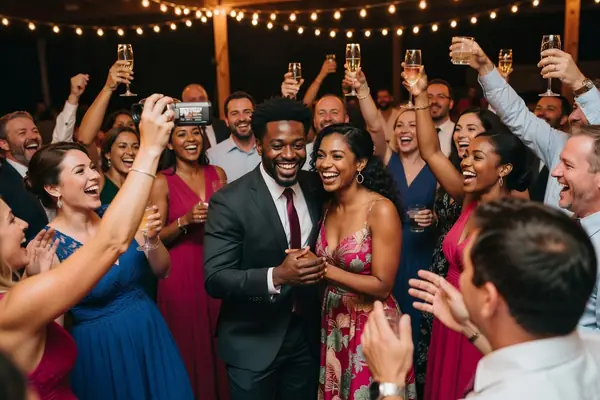
The average wedding has 117 guests. When that many people pull out phones, the result is inconsistent angles and poor audio. Limiting cameras to three or four assigned people creates better raw material. A practical rule: assign one for ceremony, one for interviews, one for reactions, and one for guestbook messages.
Follow the CNBC Playbook: Assign a Few, Not the Whole Room
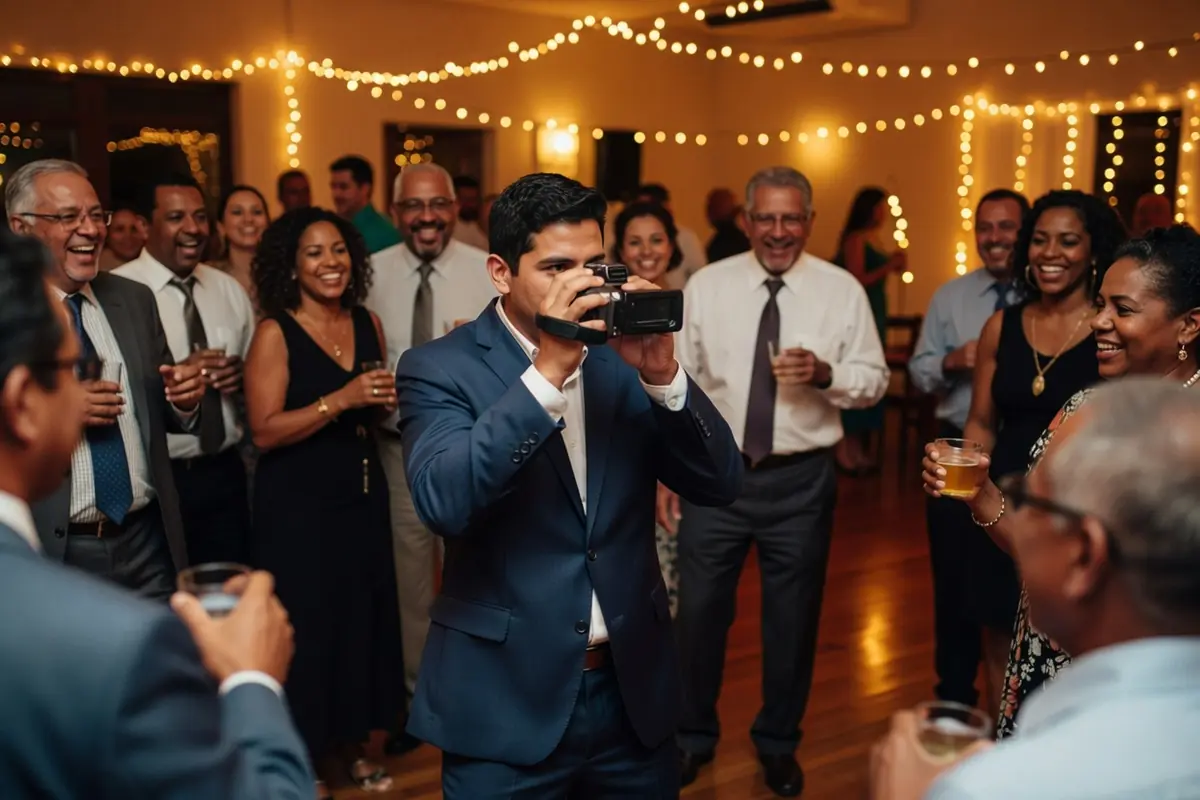
Anne Marie Carroll built a $1.7 million wedding camcorder business by giving straightforward advice. In her CNBC interview, she recommends assigning specific wedding-party members to capture moments rather than passing one camera around the entire room.
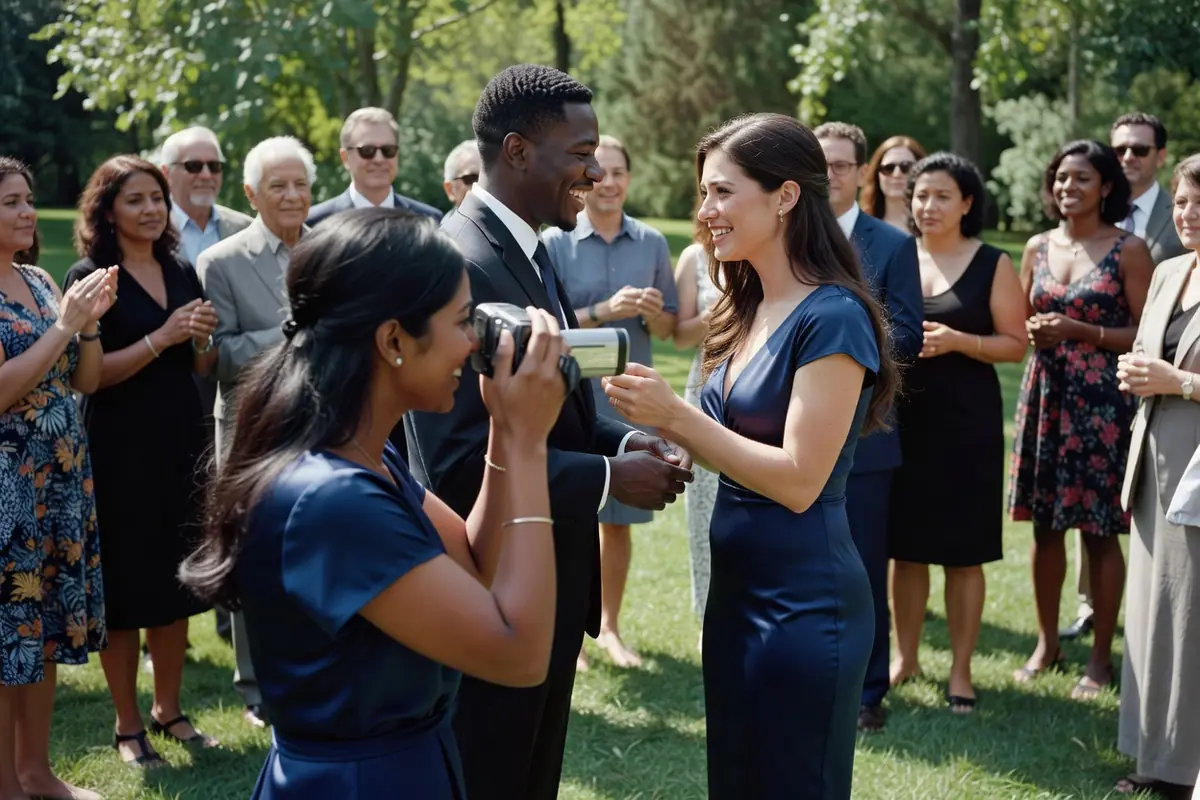
Her top tips include picking an outgoing bridesmaid or groomsman to interview guests at cocktail hour and leaving the camcorder near the guest book for video messages. This keeps the footage focused and usable. Crowdsourced filming without structure tends to create more work than joy.
How to Pick and Assign Your Filming Team
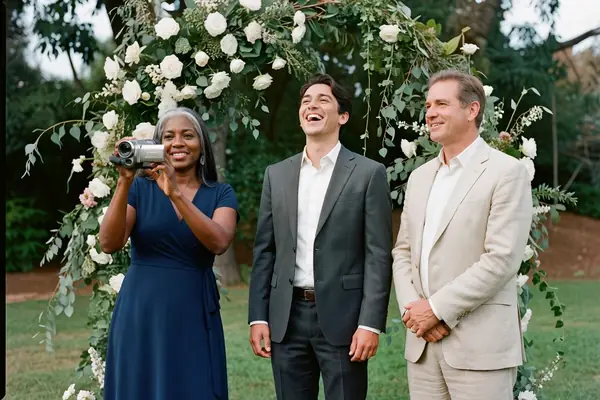
Look for friends who show up on time, follow directions, and won't mind missing a few dances. For example, choose an outgoing person for cocktail hour interviews. Select the one with steady hands for ceremony footage. Your most organized friend can oversee the guestbook station. Consider their relationships to you: someone who has known you since childhood might capture the most meaningful family reactions.
A decision rule: if the person tends to be late to events, do not assign them a primary role. See the full role breakdowns in the shot list. The key is giving each person one primary focus so they aren't overwhelmed.
Shot Lists That Actually Help Guests
Generic lists lead to generic footage. Specific prompts lead to better clips. The shot list gives friends clear directions without turning them into cinematographers.
Focus on moments only guests can catch. For example, film the groom's mom's face during the vows, the flower girl's spontaneous dance after the ceremony, or your college roommate's ridiculous toast. Leave the perfectly framed portraits to the photographer. Think about the small details like a quiet exchange of glances or the way a grandparent watches the cake cutting. These make the final film feel intimate.
Shot-list builder
Custom Guest Filmed Wedding Video Shot List
Select the moments that matter most. Your assigned team gets a printable checklist with simple instructions for each. Focus on reactions and real life instead of perfection.
Filming Etiquette Guests Need to Know
The best guest filmed wedding video happens when the filmer stays respectful. Our full article on /faq covers the details, but the basics are: never block the photographer, stay off the dance floor during the first dance, and know when to put the camera down and be in the moment.
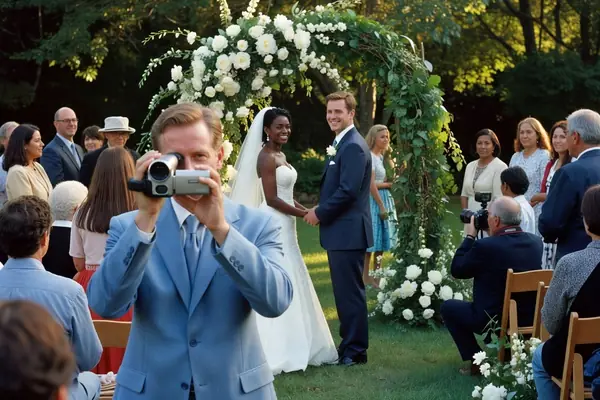
During the ceremony, one dedicated person filming from a side angle on a tripod is usually enough. The rest should enjoy the event. At receptions, quick clips of dancing work well, but avoid ten-minute recordings of the dance floor. For interviews, use these sample questions: "What's your favorite memory with the couple?" or "What advice do you have for their marriage?" This creates content with depth.
Checklist · saves on this device
Guest-Filmed Wedding Video Prep Checklist
Turning Guest Footage Into a Finished Film
Packages start at $449 (the Keepsake). We ship the camcorder, the Instax Mini instant camera (with film) and the photo album together in one box. The couple keeps the photo album and every instant print. Both cameras (camcorder and Instax) go back in that same box with the prepaid return label. The service edits the footage into a finished wedding film. You can add extra camcorders. A $100 deposit holds a date. See /how-it-works and /packages.
Camcorder vs Phone: Why Dedicated Cameras Win
Phones are convenient but create inconsistent quality. Our article on /compare breaks down the tradeoffs. Camcorders give better audio, optical zoom without pixelation, and a uniform look across clips. For example, typical compact camcorders offer 30x optical zoom and up to 115 minutes of recording time on one battery.
When every clip looks like it came from the same device, the final edit flows naturally. Remind guests to use two hands for steady shots and to record in landscape mode.
Adding Video Messages and Instant Prints
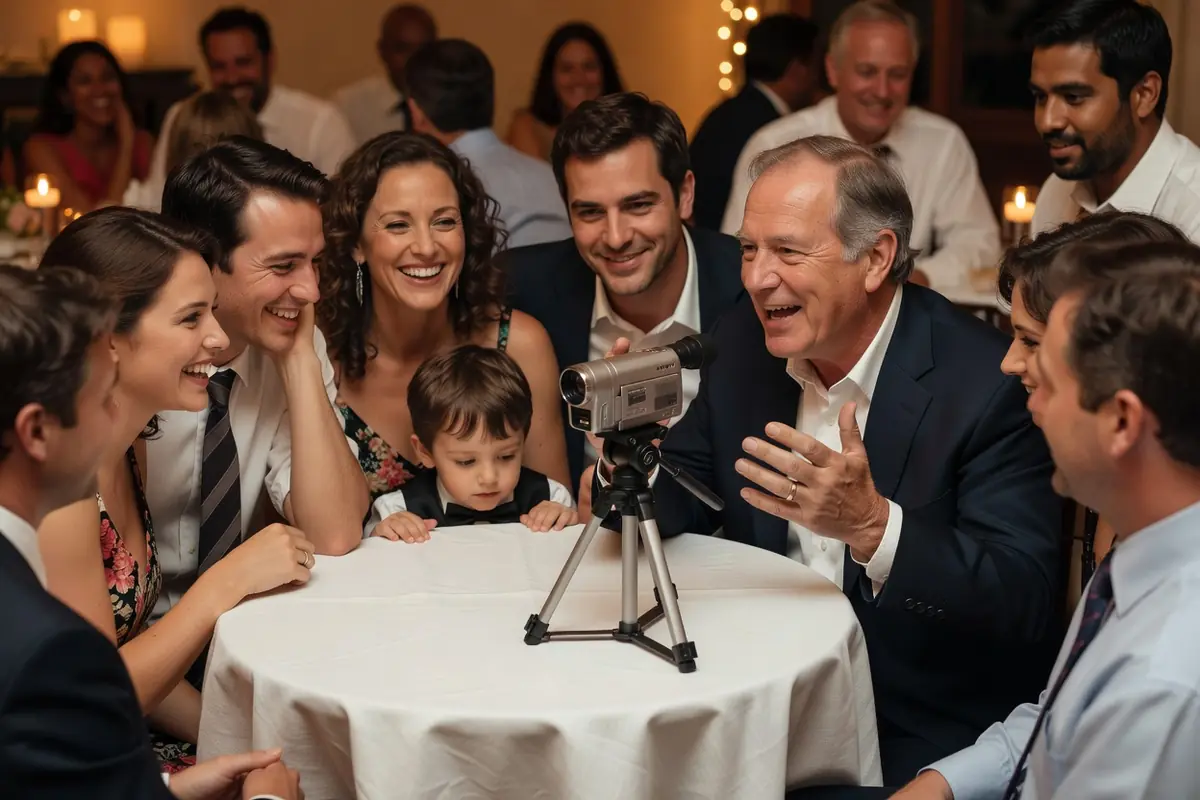
Place the camcorder on a small tripod near the guest book with a simple sign: "Leave us a message. What's one story you have about the couple?" This creates a video guestbook that feels personal. See /how-it-works for setup ideas.
The included instant camera gives guests something fun to do between duties. Each pack provides 10 exposures that develop in about 90 seconds. Film costs roughly $0.70-$0.90 per shot. The couple keeps the photo album and every instant print.
How Guest Footage Compares to Professional Videography
They serve different purposes. A pro delivers cinematic coverage. Guests deliver personality and access to private jokes. Some couples do both, as covered in Vogue. Professional videographers bring experience in framing and storytelling. Guest filmed videos have an intimacy that comes from personal connections.
| Item | Average Cost | What You Get |
|---|---|---|
| Professional Videographer | $2,300 | Full coverage, polished edit |
| Guest Filmed Approach | $449 | Authentic moments, edited film, instant camera and album |
| Wedding Weekender Deluxe | $989 | 2 camcorders, 5-7 min video (per CNBC) |
| Pass the Cam 4K | $699 | Single camcorder rental (per their site) |
Read our full comparison at /compare to decide what fits your day and budget. For many couples, the guest approach supplemented by editing delivers the most rewatchable result.
Your Simple Game Plan
- Choose 3-4 wedding party members and assign one clear role each
- Share the shot list and filming etiquette guide two weeks before the wedding
- Order the Keepsake package starting at $449 to receive the kit
- Place the camera near the guest book with a friendly sign
- Send both cameras (camcorder and Instax) back in that same box with the prepaid return label
- Receive the finished film that captures your day
For more inspiration, see our guides on the shot list, /how-it-works, and /faq.
Questions couples ask
How many guests should film at our wedding?
Can we just use phones instead of a camcorder?
What if our guests film nothing usable?
Do you edit the guest filmed footage?
How does the instant camera fit in?
Is this cheaper than hiring a videographer?
Keep reading