Crowdsourced Wedding Film Without the Chaos
Discover how to create a crowdsourced wedding video that feels cohesive instead of chaotic. We contrast one passed camcorder against group texts of phone clips and show why picking a single system delivers better results.
In this article
- Why Most Crowdsourced Wedding Videos Turn Into Chaos
- One Passed Camcorder vs. a Flood of Phone Videos
- Phone vs Camcorder: Choose Your Method on Purpose
- Our Rule of Thumb: Commit to a Single Capture System
- How to Run a Shared Camera Wedding Without Drama
- Turning Guest Clips Into a Cohesive Film
- How Much Does This Approach Cost?
- Making Crowdsourced Video Work for Your Wedding Size
- Etiquette and Realism for Guest Filming
Searching for a crowdsourced wedding video that actually feels like a film instead of a messy group text? Pick one capture method and commit to it throughout the celebration. A single shared camcorder passed from person to person creates a consistent look and sound that ties the final edit together. In contrast, a scramble of phone videos often leads to mismatched lighting, audio levels and framing that can make the finished product feel disjointed. In our view the shared camcorder approach wins in most cases because it turns guest participation into a unified story rather than scattered moments. The tactile feel of handing off a dedicated device encourages more intentional recording of the quiet smiles, the heartfelt toasts and the spontaneous dances that define your day.
Why Most Crowdsourced Wedding Videos Turn Into Chaos
The idea sounds perfect on paper: ask every guest to record their favorite moments and pool the footage into one video. In practice it often means clips of varying quality, terrible audio in some and clear in others, upside down videos, and multiple angles of the same key events. For example, you might end up with eight different recordings of the cake cutting but zero clips of the parent speeches or candid reactions at dinner. Organizing that into a watchable film takes focused effort. The charm comes from the unscripted comments and real reactions only friends and family can provide. To prevent chaos, select one main system and give guests concrete guidance on what to film and how.
Vogue notes that many Gen Z and younger millennial couples want simpler, less produced video styles. They prefer real moments over hyper-edited slow-motion reels. A crowdsourced approach can deliver that authenticity when you avoid uncoordinated filming.
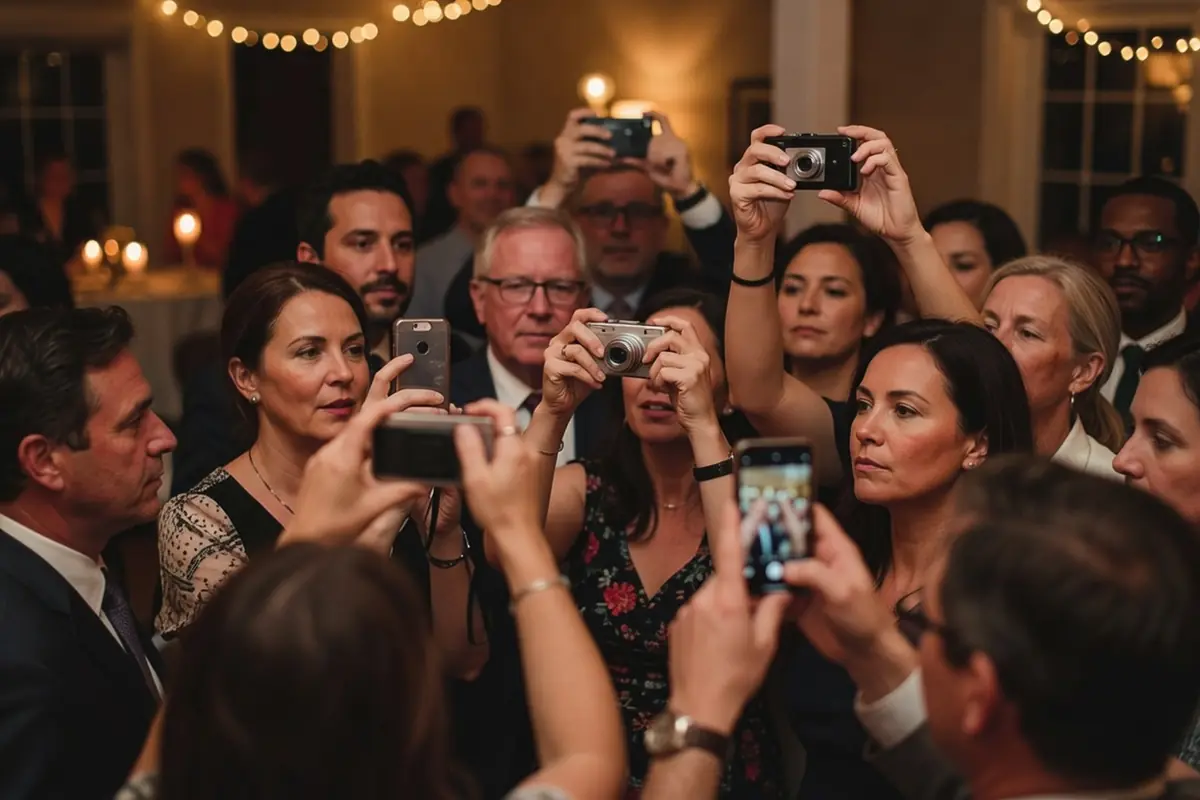
Too many cameras create noise, not narrative.
One Passed Camcorder vs. a Flood of Phone Videos
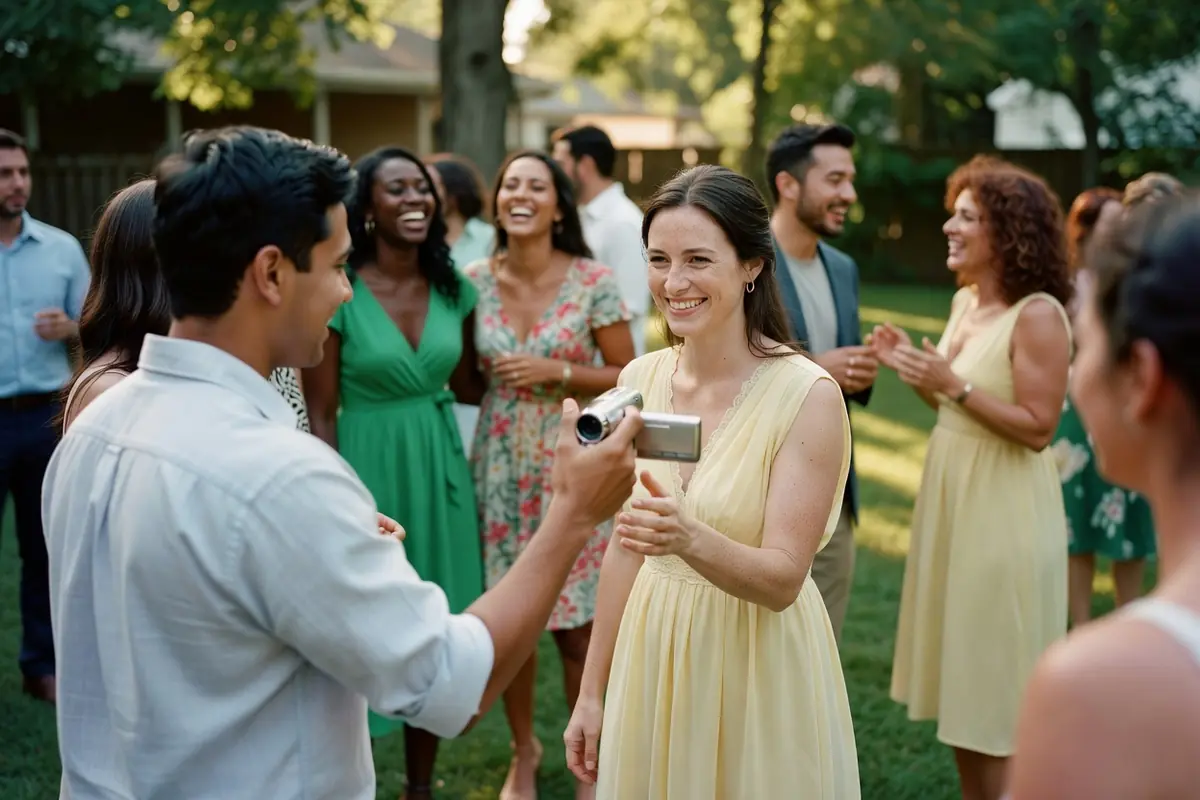
Two main approaches exist to collect guest wedding videos. The first is a shared camcorder that travels around the room. The second is inviting everyone to record on their phones and upload clips to one shared album or folder. They produce very different results.
Drag to compare
Phone Clips vs Camcorder Footage

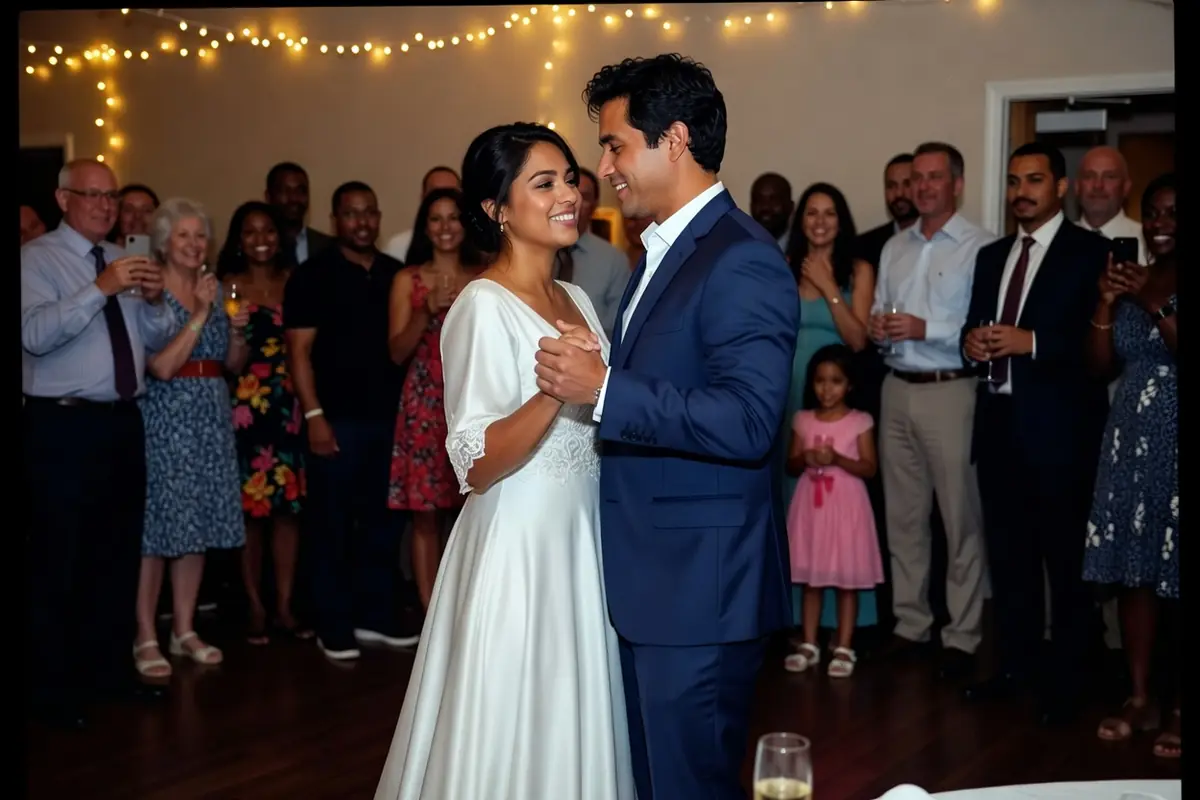
A dedicated camcorder delivers steadier audio because its microphone is designed to capture voices from a distance. Phones often pick up wind, chatter or fingers covering the mic. Consistent framing from one device makes the final video feel intentional instead of accidental. When visual and audio qualities match across clips it becomes much easier to build a narrative flow with smooth transitions between emotional highs, tender quiet moments and group laughter.
| Approach | Pros | Cons | Best For |
|---|---|---|---|
| One shared camcorder | Consistent look and sound, easy to track, guests love the tactile experience | Requires passing the camera, one angle at a time | Intimate weddings, couples who want a home-movie vibe |
| Group phone videos | Multiple angles and perspectives, captures candid reactions | Inconsistent quality, hard to organize, battery and storage issues | Very large weddings where you want sheer volume of footage |
Phone vs Camcorder: Choose Your Method on Purpose
This is about alignment with your vision for the final film. If you want a retro home-movie style, choose the passed camcorder. If you want quick reaction shots from every table, phones can work but only with one designated upload link and strict rules. Decision rule: default to the camcorder if your guest count is smaller and you value easy editing. Default to structured phones if your list is larger and you prioritize volume of perspectives. Ask yourself which film you will actually rewatch on anniversaries: a consistent warm aesthetic usually holds up better than disconnected clips.
Tap to reveal
Click-to-Reveal Tips for Each Method
How do you keep a shared camcorder moving all night?
What instructions actually work for phone videos?
How do you handle audio across different devices?
Our Rule of Thumb: Commit to a Single Capture System
The clearest path to a watchable crowdsourced wedding film is choosing one primary system and treating everything else as bonus. Either go all-in on a shared camcorder that lives at the center of the party, or go all-in on phones but with one designated collection point and strict rules. Mixing both usually creates more work than joy. When you commit fully to one approach the footage gains a natural rhythm that makes editing feel like storytelling instead of damage control. Guests also appreciate the simplicity because it removes guesswork about how or what to record.
Our Keepsake package starts at $449. We ship the camcorder, the Instax Mini instant camera (with film) and the photo album together in one box. The couple keeps the photo album and every instant print. Both cameras (camcorder and Instax) go back in that same box with the prepaid return label. We edit the footage into a finished wedding film. You can add extra camcorders. A $100 deposit holds a date.
How to Run a Shared Camera Wedding Without Drama
Start with a short briefing at the rehearsal dinner or in a welcome email. Demonstrate how to turn on the camcorder, press record and hold it steady at eye level for clear audio. Assign specific people using the /shot-list to cover the ceremony, toasts and dances. For example, ask the best man to record arrival moments and a bridesmaid to film reactions during vows. Leave the camcorder near the guest book with a sign that says 'Record a short message for the couple.' Use this sample script for guests on camera: 'Hi, it's Mike, the groom's cousin. One thing I love about these two is...' These steps prevent random unusable clips and help guests participate confidently without feeling overwhelmed.
Turning Guest Clips Into a Cohesive Film
Once you have the footage, the real work begins. An editor looks for emotional peaks, clean audio bites and natural sequences that tell your unique story. One consistent system simplifies this greatly. Packages include editing so you receive a finished wedding film instead of raw files. For example, the editor might open with a quiet clip of you two during cocktail hour, cut to a best friend's roast-style toast, then transition into dance floor energy, creating a narrative arc that reflects the full weekend.
For more ideas on what your guests can capture, see the /shot-list, /how-it-works and /faq. These resources turn well-meaning guests into helpful filmmakers by suggesting specific moments such as filming a grandparent's expression during vows or asking friends to share one piece of marriage advice on camera. Practical tips like having guests state their name and relationship add context that makes the final film more meaningful when watched later.

How Much Does This Approach Cost?
The Knot 2026 Real Weddings Study shows the average wedding cost $34,000 with videography averaging $2,300. A crowdsourced option with professional editing starts far lower. Wedding Weekender's core package is $729 and their top package lists at $1,249; their packages do not include an instant camera. Pass the Cam lists $429 HD, $699 4K and $899 for 2x 4K. Handheld Studio guest camcorder is $649. Our packages start at $449. We ship the camcorder, the Instax Mini instant camera (with film) and the photo album together in one box. The couple keeps the photo album and every instant print. Both cameras (camcorder and Instax) go back in the same box with the prepaid return label. See /compare or read the /faq.
Making Crowdsourced Video Work for Your Wedding Size
The Knot reports the average wedding has 117 guests. For weddings with 50 or fewer guests, one camcorder easily captures the important moments because everyone stays close. For 51-100 guests or over 100 guests, assign two or three helpers to keep the camera moving between simultaneous events like toasts and dancing. For example, at a large reception designate the maid of honor to cover ceremony footage and the best man to gather messages during dinner. In smaller settings the camera can stay in one area and still work well. The important thing is to make the process enjoyable so guests participate willingly.
- Designate a couple of wranglers to keep the camcorder moving at medium and larger weddings
- Use signage at the guest book reminding people to record a short message
- Send a guide with your invitations that sets expectations early
- Plan to collect the camera at the end of the night so nothing gets lost
Etiquette and Realism for Guest Filming
Guests are there to celebrate, not work as camera operators. Keep requests light and optional. For example, add this note to your program: 'Go ahead and use the camcorder for candid moments but please do not block the photographer's view during vows or key events.' No phones during the ceremony unless you are the designated filmmaker. These boundaries keep the day feeling like a wedding instead of a film set. Focus on the joy and let the camcorder capture the natural flow around the moments highlighted in your /shot-list. Remind everyone their stories matter more than any perfectly framed shot.
For more on this topic, explore /how-it-works, the /shot-list or /faq. The key is always the same: choose one system, give clear direction with specific examples, and let real moments unfold. With thoughtful planning your guests can help create a wedding film that captures the genuine spirit of your celebration.
Questions couples ask
What is a crowdsourced wedding video?
Is it better to use one camcorder or many phones?
How do you organize videos from many guests?
How many camcorders should we use?
Can we still hire a videographer and do crowdsourced video?
Keep reading