How to Assign Cameras to the Wedding Party
Learn how to assign wedding party cameras using three clear roles: ceremony operator, speeches specialist, and floater. Avoid unusable footage from too many filmmakers. Includes printable checklist and expert tips from the pros.
In this article
- Why Random Filming Creates More Problems Than It Solves
- The Three-Role System That Actually Delivers Usable Footage
- How to Choose the Right People for Each Role
- What to Tell Guests Who Want to Film Too
- Pairing Camcorders With Our Instant Camera
- Your Printable Camera Assignment Checklist
- Setting Up Video Messages at the Guest Book
- When to Add a Fourth Camcorder or Hire Help
- The Bottom Line: Clarity Beats Quantity
Handing out cameras to anyone willing rarely works. Without specific roles, the result is often repetitive clips of the same moments while key parts like the vows or toasts go unrecorded. We recommend three focused roles: ceremony operator, speeches specialist, and floater. This structure channels efforts so the footage has variety, clear audio, and the moments that matter.
According to Wedding Weekender founder Anne Marie Carroll, assign specific wedding-party members to capture defined moments. For example, pick an outgoing bridesmaid or groomsman to interview guests at cocktail hour. Leave one camcorder near the guest book for short video messages. As Vogue has reported, many Gen Z and younger millennial couples prefer authentic camcorder footage over hyper-produced videos. Some use camcorders alongside a full media team while others skip traditional videography entirely.
Why Random Filming Creates More Problems Than It Solves
When everyone films without a job, coverage clusters around easy moments like cake cutting while the processional or parent speeches get ignored. Audio suffers when no one stays close enough to the speaker. For example, you might receive multiple versions of the first dance but no clear recordings of the officiant. Decision rule: if a role leaves any major moment uncovered, reassign immediately. Practical tips include bracing elbows against your body to steady the shot, pointing the microphone toward speakers, and holding each shot before and after key action. This extra material helps create smooth edits later.
A long list of vague instructions can overwhelm friends and lead to nothing useful being filmed. Our guide at /shot-list explains how focused assignments outperform open invitations. The goal is to direct creativity so the final film reflects your day.
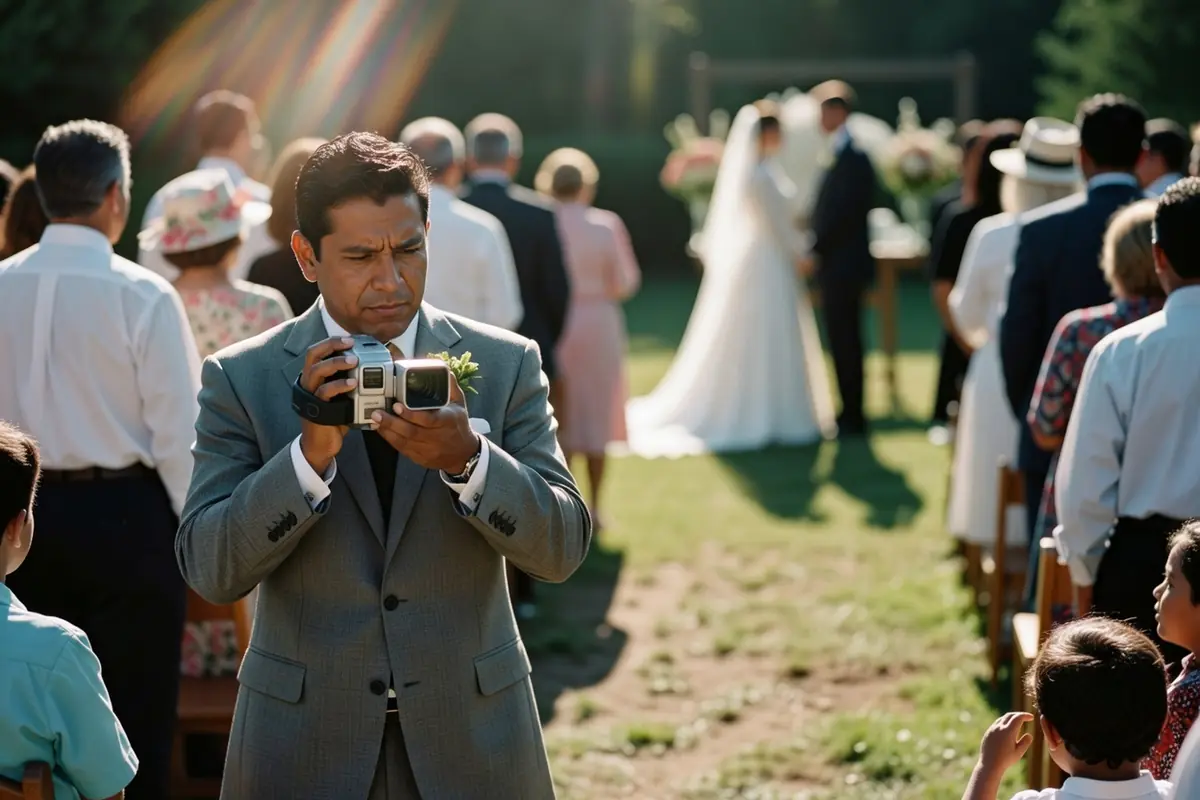
The Three-Role System That Actually Delivers Usable Footage
Focus on three roles for most weddings. This reduces duplicate angles and clarifies what each person should do. Here is the breakdown:
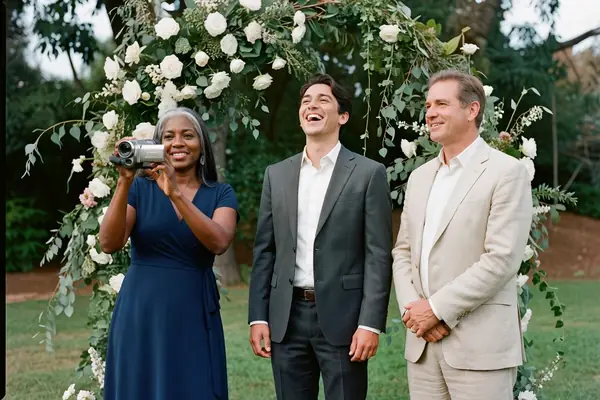
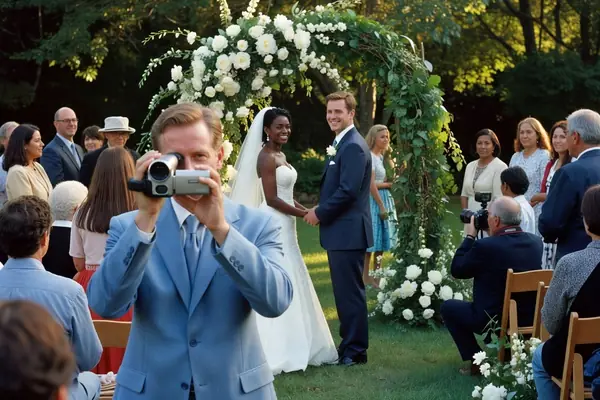
- Ceremony Operator: Stays in one strategic spot near the front. Responsible for processional, vows, officiant remarks, ring exchange, and recessional.
- Speeches Specialist: Positioned at the head table or sweetheart table during reception. Captures every toast, reaction shots from the couple, and enough audience laughter without missing words.
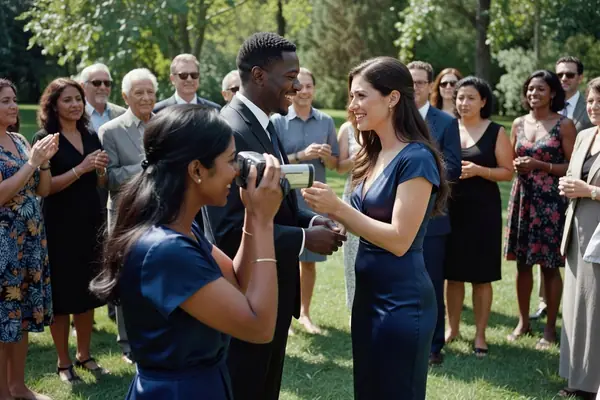
- Floater: Moves between cocktail hour, reception highlights, first dance, and guest interviews. This should be your most outgoing friend who is comfortable asking people questions on camera.
This system works for weddings of any size. The average American wedding has 117 guests according to The Knot 2026 Real Weddings Study. With clear roles, your friends support the day instead of competing for the same shots. Each role uses different strengths and covers the moments that appear most often in wedding films.
Tap a card
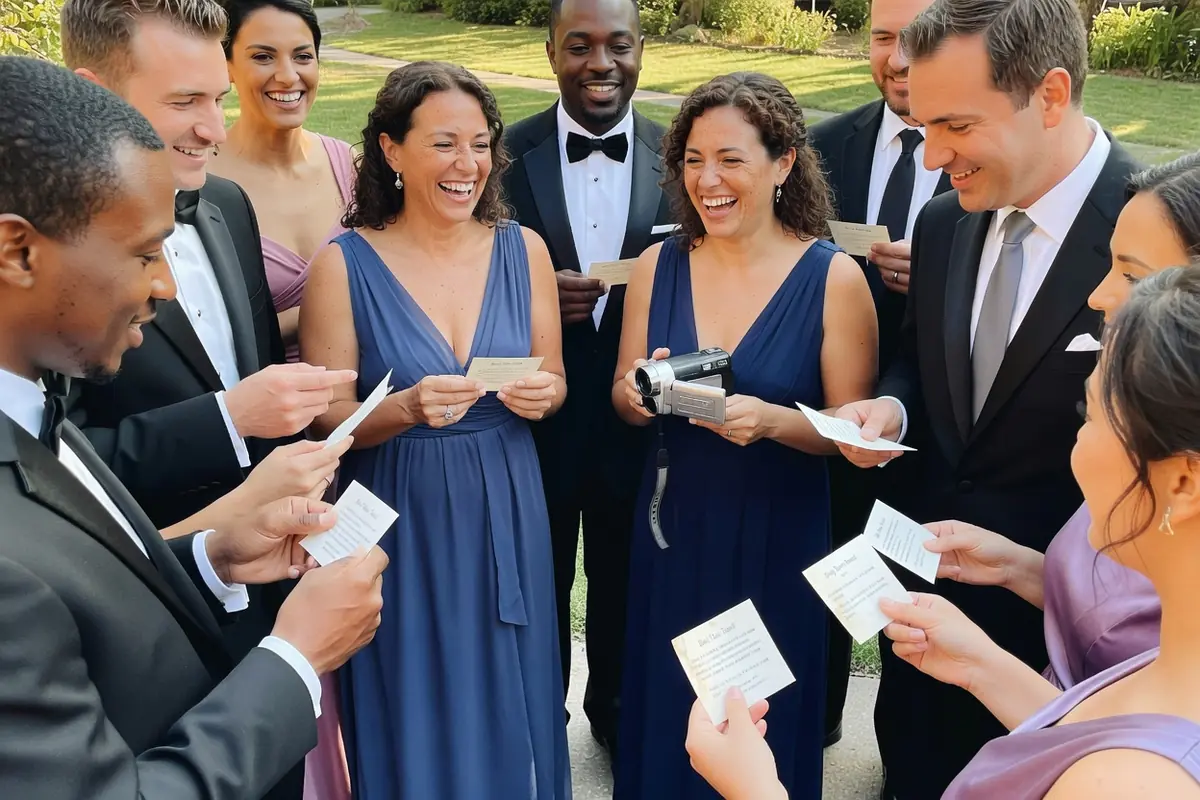
Assignment Cards: Print These and Hand Them Out
How to Choose the Right People for Each Role
Match personality to responsibility. Decision rule: assign the ceremony operator to the friend who is always on time and stays calm under pressure. They must follow instructions exactly because this role covers the most important moments. The speeches specialist should have good hearing and patience to stay in one place capturing both words and facial reactions. Choose the floater as the friend who naturally mingles and puts people at ease. For example, brief them with this script: 'Your job is to record the vows clearly from your fixed spot. Keep the camera steady, point the mic toward the couple, and hold the shot steady after the kiss.' Ask these questions when selecting: Can they follow directions without taking over? Will they stay focused during key moments? Do they understand this is a specific job? Avoid anyone who runs late or wants to be in every photo. Walk through the venue with them in advance so they can visualize their exact positions.
What to Tell Guests Who Want to Film Too
Not every friend with a phone needs a video role. Use this script to redirect: "Thanks so much for wanting to help capture our day. We've assigned three specific people to focused roles so we get complete coverage. Would you grab some instant photos with the camera on the table instead?" This keeps video duties clear while giving everyone a way to contribute.
Packages start at $449 and include an instant camera with film so guests can add physical memories without overlapping video roles.
Assigning roles isn't limiting your friends. It's giving them permission to do one thing exceptionally well.
Pairing Camcorders With Our Instant Camera
The Instax Mini 12 uses film packs with 10 exposures per pack and develops in about 90 seconds depending on temperature. Flash range is 0.3-2.2 m. Guests can take photos all weekend. The couple keeps the photo album and every instant print. Both cameras (camcorder and Instax) go back in that same box with the prepaid return label. This separation keeps the three video roles focused while letting everyone participate with something tangible. Place the instant camera on a table with extra film and a note inviting guests to snap and share.
| Role | Personality Fit | Key Responsibility | Common Mistake to Avoid |
|---|---|---|---|
| Ceremony Operator | Calm and punctual | Steady vows footage | Zooming too much during quiet moments |
| Speeches Specialist | Patient listener | Clear audio of every toast | Filming from too far back |
| Floater | Outgoing and social | Guest interviews and candids | Leaving ceremony or speeches uncovered |
| Guest Book Host | Friendly and organized | Short video wishes | Forgetting to check battery |
Your Printable Camera Assignment Checklist
Print this checklist several weeks before the wedding. Clear assignments made early prevent last-minute confusion. Link it from your planning resources at /how-it-works. Preparing in advance lets assigned people ask questions and test the equipment.
Checklist · saves on this device
Camera Assignment Checklist (Save & Print)
Setting Up Video Messages at the Guest Book
Park a camcorder at the guest book with a simple sign: "Record a short wish for the couple. Press record, speak, then stop." Choose a spot with good lighting and minimal background noise. This works well during cocktail hour when guests are relaxed. These short messages often become the most replayed parts because they are personal and spontaneous. See /how-it-works for more setup details.
When to Add a Fourth Camcorder or Hire Help
For larger weddings, a fourth camcorder dedicated to interviews during cocktail hour can add value. Packages start at $449. You can add extra camcorders. Visit /compare to review options. Many couples combine guest camcorders with a professional videographer. The guest clips bring raw authenticity while pros handle polished segments.

The Bottom Line: Clarity Beats Quantity
Ten relatives filming without jobs creates the same scattered footage as an unprioritized shot list. Three people with printed role cards consistently produce better material. Your friends want to help. Give them structure: specific stations, example questions, and technical reminders. This removes guesswork and results in footage with good audio, steady shots, and coverage of the moments you will want to rewatch.
The footage is then edited into a finished wedding film. Ready to get started? Browse packages at /packages or read how it works at /how-it-works.
Questions couples ask
How many people should film at a wedding?
Who holds the wedding camera during the ceremony?
What should I put on the assignment cards for the wedding cameras?
How do you assign guests to film without offending anyone?
Should the floater do guest interviews?
What if we already hired a videographer?
Keep reading