Wedding Day Timeline With Video Moments
Build your wedding day timeline from getting ready through exit with built-in video moments and camcorder handoffs. This hour-by-hour template and checklist keeps your day on track and ensures authentic footage without missing the real story.

In this article
- Why Your Wedding Day Timeline Needs Built-In Video Moments
- How Long Should Each Part of the Day Last?
- Hour-by-Hour Wedding Day Timeline Template
- Getting Ready: Setting the Tone on Camera
- Ceremony and Vows: Filming Without Disruption
- Cocktail Hour: Prime Time for Guest Interviews
- Reception Flow: Toasts, Dances, Cake, and Beyond
- The Exit and How to End the Night
- Customizing for Micro Weddings or Longer Days
- Ready to Add Authentic Video to Your Day?
Most wedding day timelines focus on when vendors arrive and when meals are served but treat video like an afterthought. That can result in shaky cake-cutting footage and few genuine reactions from friends during toasts. This day-of timeline template is designed for couples who want a finished film without hiring a traditional videographer. It covers getting ready through exit with suggested camcorder handoff times and specific shots for assigned friends. There is no long-term planning advice here. Just what happens on the day itself.
Why Your Wedding Day Timeline Needs Built-In Video Moments
The average wedding involves 13 vendors and 117 guests according to The Knot's 2026 Real Weddings Study of 10,474 US couples. With that many people and moving parts, special moments can pass by in an instant. A timeline that overlooks the camcorder can yield footage that feels disconnected rather than a cohesive story. In our view, the timeline should treat the camcorder the same way it treats the photographer: with assigned people and specific targets. Practical tips from founder Anne Marie Carroll in a CNBC story include assigning a few wedding-party members to capture specific moments, picking an outgoing bridesmaid or groomsman to interview guests at cocktail hour, and leaving the camcorder near the guest book for video messages. CNBC. Vogue notes that Gen Z and younger millennial couples are turning to camcorders because they want to avoid the slow motion and hyper-produced look. Some add camcorders alongside a full media team, others skip traditional videography. Incorporating video moments directly into the schedule creates opportunities for authentic footage. Clear assignments help friends record the laughter, tears and candid interactions. This approach matches how real celebrations unfold.
A good timeline does not just keep the day on track. It makes sure the memories actually get filmed.
How Long Should Each Part of the Day Last?
Include buffer time between major events to keep the day relaxed. For example, add buffer time between getting ready and the first look. Getting ready benefits from sufficient time so the camcorder can capture natural interactions without anyone feeling rushed. The ceremony should feel meaningful. Cocktail hour gives the interviewer time to mingle with multiple guests. The reception including dinner, toasts, dances and cake usually needs sufficient time. Plan a smooth exit that can be documented without rushing to the car. Smaller weddings with 50 or fewer guests can use a more compact schedule.
A decision rule for building your timeline: work backward from the ceremony start time. If the ceremony begins at a certain time, schedule getting ready to end with buffer time. This allows time for transportation and buffers. Assign the camcorder based on the energy of each phase. Morning for lighthearted moments, evening for high energy dancing. For example, during cocktail hour the operator should aim to interview several guests using open questions.
Hour-by-Hour Wedding Day Timeline Template
This example assumes an afternoon ceremony with average guest count. Adjust for your venue, season and guest count. Every step includes a camcorder note. Print the timeline, distribute copies to assigned operators, and add buffers as needed. Packages start at $449.
Scrub the timeline
Interactive Wedding Day Timeline With Camcorder Handoffs
- Morning Getting Ready Begins
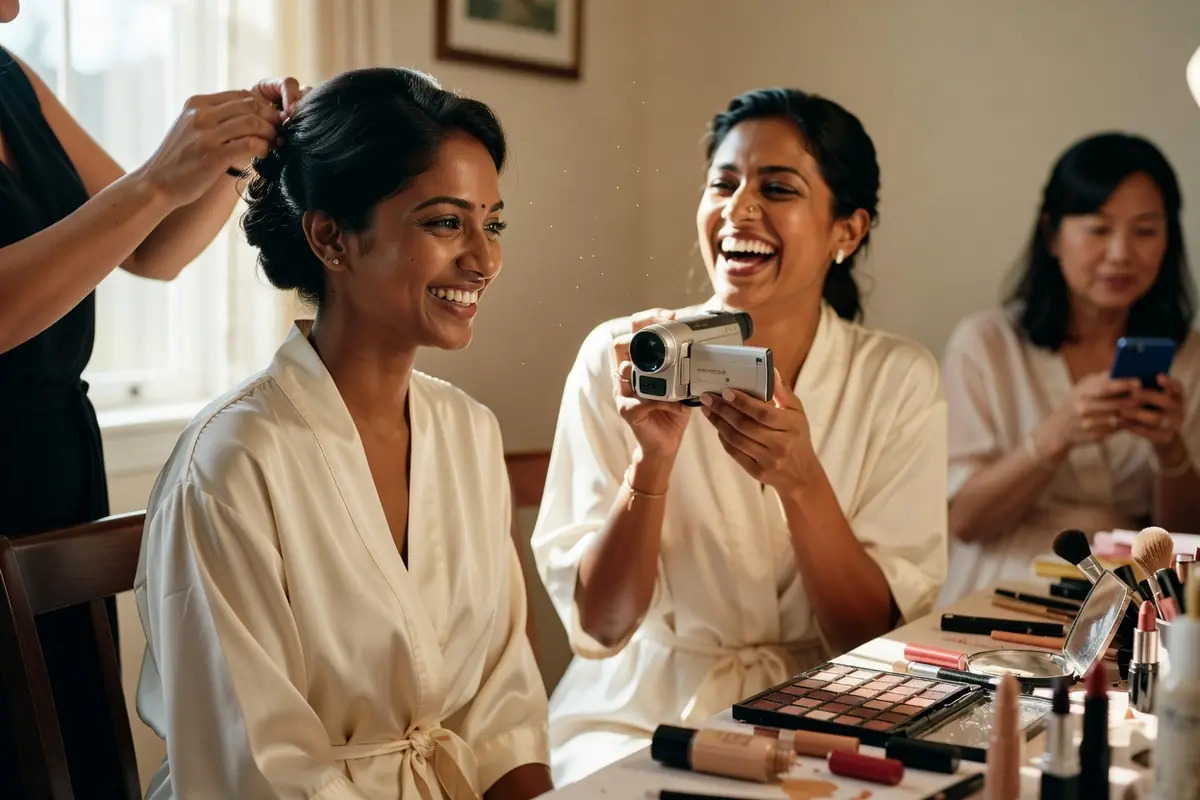
Bridal party and groomsmen arrive. Hand camcorder #1 to the most organized bridesmaid. Focus on natural laughter, details like flowers or jewelry, and vow reading. For example, film someone helping with makeup while asking 'What are you most excited about today?' See the shot list for more ideas.
- Mid-morning First Look or Family Portraits
If you have a first look, capture the unscripted reactions. Transition the camcorder to a calm groomsman. Keep it documentary style. Example script: 'Describe your feelings in this moment.'
- Before ceremony Ceremony
Processional starts. The assigned operator films from a discreet side angle, never blocking the photographer or guests. Follow the shot list for respectful placement and to capture clear audio of the vows.
- After ceremony Cocktail Hour
Handoff to your most outgoing friend for guest interviews. Use open questions like 'What is your favorite memory with the couple?' Park a second camcorder by the guest book for video messages. This is prime time for authentic footage.
- Reception Reception & Toasts
Speeches, first dance, cake cutting. Station one camcorder on a tripod near the head table for clear audio. Use a second for roaming shots if added. Start recording before the speaker begins and continue after they finish to capture reactions.
- Evening Dancing & Celebration
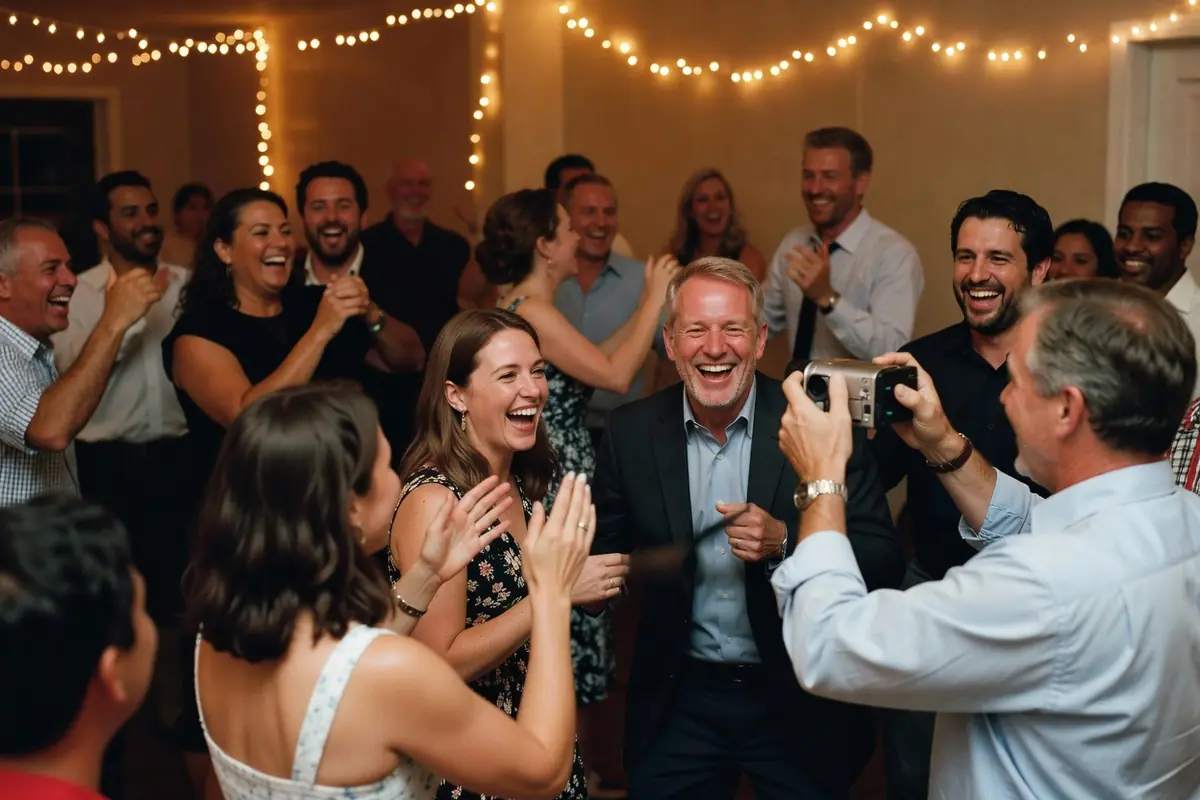
Dance floor opens. Let friends pass the camcorder but give them a quick reminder of etiquette so the party stays the focus. See how it works for tips on keeping it fun.
- End of night Exit
Sparkler send-off or final dance. The person with the camcorder captures the energy as you leave. Make sure someone is assigned to collect all gear at the end of the night.
Getting Ready: Setting the Tone on Camera
Morning hours often produce the most relaxed footage. Assign one friend with the camcorder from the moment the group gathers. Have them film details like shoes, flowers, and invitation suites, then move to candid conversations. The shot list at /shot-list includes prompts that feel natural. Packages start at $449.
These early shots can become the emotional foundation of the finished film. For example, capture a parent offering a hug or siblings sharing a joke. This provides contrast with the formal ceremony scenes later. Review the shot list with the operator the day before. Decision rule: If the operator is new to filming, have them practice on a test clip to build confidence.
Ceremony and Vows: Filming Without Disruption
Position the assigned operator off to the side or in the back to avoid blocking any guests or the photographer. The goal is clear audio of the vows and genuine crowd reactions. The shot list covers steady technique and placement ideas. This camcorder approach offers a conversational look that in our view fits many modern weddings.
Camcorder Handoff Schedule
| Time | Responsible Person | Primary Focus |
|---|---|---|
| Morning | Maid of Honor | Details, emotions, laughter |
| Before ceremony | Calm Groomsman | Ceremony vows and reactions |
| After ceremony | Outgoing Bridesmaid | Guest interviews at cocktail hour |
| During reception | Best Man | Toasts and first dance |
| Evening | Rotating Friends | Dance floor energy |
Checklist · saves on this device
Day-Of Video Checklist (Save & Print)
Cocktail Hour: Prime Time for Guest Interviews
This is where the camcorder earns its keep. Choose one outgoing member of the wedding party and provide them with guest interview prompts from the shot list. CNBC recommends this approach. Place a second camcorder on a small tripod near the guest book for spontaneous video messages. For example, a simple starter script is: 'Hi, it's [name] at [couple names] wedding. What advice do you have for the newlyweds?' Guests often share heartfelt stories this way, adding depth to the final film.
Shot-list builder
Video Moments Shot List Generator
Select the moments below that matter most. The generator will create a printable list with practical tips and example scripts for your operators. Focus on real, imperfect footage that your friends can capture naturally.
Reception Flow: Toasts, Dances, Cake, and Beyond
Once dinner starts, station one camcorder on a tripod near the head table angled to capture clear audio of every toast. The shot list provides framing advice. For the first dance, two angles work best: one wide for the full scene and one closer for expressions if you have an extra camcorder. For cake cutting, film from the side to include both the couple's faces and the guests' reactions. During dancing, keep the camcorder moving among friends but share the etiquette tips from the how it works page so everyone stays comfortable. See /how-it-works for more on assigning responsibilities.
The Exit and How to End the Night
Plan the send-off for when there is still enough light for good footage. Sparklers film especially well at dusk. Assign the final handoff to a friend with energy left. After the exit, have a designated person pack both cameras back in that same box with the prepaid return label. The couple keeps the photo album and every instant print. The service edits the footage into a finished wedding film.
Customizing for Micro Weddings or Longer Days
For weddings with 50 or fewer guests, the timeline can start later and remain full. The Knot data shows these smaller events average $17,100. You will need fewer handoffs but maintain focus on authentic moments. For multi-day or destination weddings, repeat the handoff pattern each day. The key is keeping assignments simple. A $100 deposit holds your date while you finalize the details. In smaller settings, the camcorder does not need to move as often because interactions are closer. Operators can capture more spontaneous material. For longer events, a repeating schedule prevents burnout. The goal is a film that feels warm and specific to your day.
Ready to Add Authentic Video to Your Day?
This template works with any camcorder rental service, but packages start at $449 for the Keepsake. We ship the camcorder, the Instax Mini instant camera (with film) and the photo album together in one box. The couple keeps the photo album and every instant print. Both cameras (camcorder and Instax) go back in that same box with the prepaid return label. The footage is edited into a finished wedding film. Extra camcorders can be added to any package. A $100 deposit holds a date. Browse packages at /packages. For details on the process see /how-it-works.
Questions couples ask
How do I create a wedding day timeline that includes video?
When should we hand off the camcorder during the wedding day?
What is the difference between a wedding day timeline and a full 12-month plan?
How many camcorders do we need for good coverage?
Can this timeline work for a micro wedding under 50 guests?
Keep reading